 |
Radical Pie Equation Editor |
A tab of the default size can be added to an equation by typing Ctrl+Tab. To add a tab having a different size, use the Insert Tab dialog, shown below. This dialog can be opened by selecting Insert Tab... from the Equation menu or by typing the keyboard shortcut Ctrl+Alt+Tab.
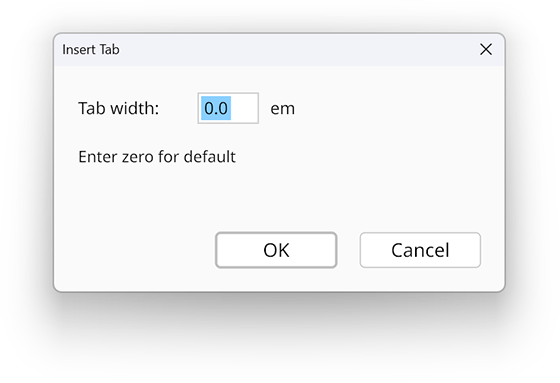
Tab advances are measured in em units. The default tab size is 1.636 em, which is equivalent to 1/4 inch for an 11-point font size. Entering zero in the dialog causes the default tab size to be used.
When a tab is inserted into an equation, it occupies enough space to advance the following symbol to the next integral multiple of the tab size from the beginning of the current line.