 |
Radical Pie Equation Editor |
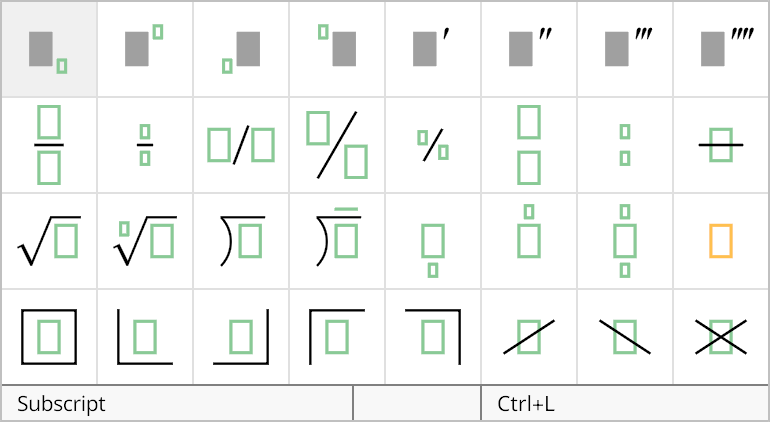
A long division structure can be added to an equation by selecting it from the third row of the structures palette, shown below. The shortcut Ctrl+Alt+D can be used to quickly insert a new division symbol. If you need a quotient above, then use the shortcut Ctrl+Alt+Shift+D.
The properties of a division structure can be changed in the Division Properties dialog, shown below. This dialog is opened by selecting Properties... from the Edit menu or typing the shortcut Ctrl+P while the insertion caret is inside any one of the groups belonging to the division structure.
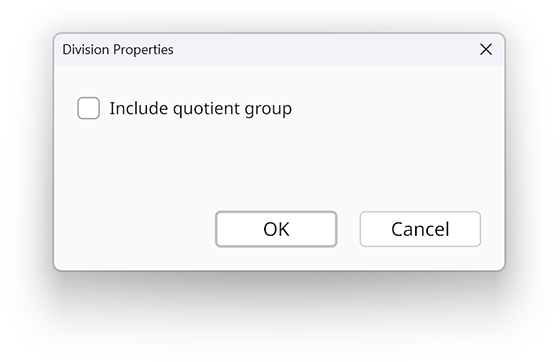
If the Include quotient group box is checked, then the division structure includes a group above the vinculum to hold a quotient in addition to the dividend inside the division structure.